
.jpg?width=64&height=64&name=MicrosoftTeams-image%20(jk).jpg)
Over the last decade, a new category of software has quietly become one of the most powerful tools inside modern organizations: workflow automation platforms.
Tools like Zapier, Make, n8n, and Power Automate allow companies to connect systems together and automate work that previously required people. What started as simple integrations has evolved into something more significant: AI-driven operational workflows that can analyze information, make decisions, and trigger actions across the business.
A few years ago, only the most advanced enterprises were using hyperautomation technologies. Now, the great majority of enterprises are. For founders and operators, understanding these tools and how they integrate with AI is becoming more like table stakes than a competitive advantage.
This article breaks down the major platforms, explains how they differ, and explores how companies are using them with AI today.
The Automation Landscape: Five Tiers of Workflow Automation
Not all automation tools are built for the same type of user. The market is divided into several distinct tiers, each serving a different level of complexity and technical skill.
1. Personal Automation
At the simplest level are tools designed for individuals. Apple Shortcuts is a good example. These automate tasks on personal devices: turning on lights when you arrive home, extracting text from a screenshot, or dictating a note to your task manager.
These tools work well for personal productivity, but they are not designed to run shared business processes.
2. Business No-Code Automation
The most widely known automation tool is Zapier. It connects thousands of applications and lets users create simple workflows without writing code. A typical Zapier workflow might look like this: a website form submission creates a CRM contact, sends a Slack alert, and adds the lead to an email sequence.
Zapier is popular because it is easy to use, widely supported, and fast to deploy. For many small and midsize businesses, it becomes the first automation layer inside the company. Most of the businesses I work with say automating repetitive tasks is their top priority for improving operational efficiency.
3. Visual Workflow Automation
Tools like Make (formerly Integromat) offer more control. Instead of simple linear workflows, Make allows users to build visual process diagrams with branching logic, data transformation, loops, and error handling.
For example, a Make scenario might route new leads based on industry, notify the appropriate sales rep, and generate a proposal draft. This makes it attractive for operations teams that need more flexibility than a basic trigger-and-action model.
4. Developer-Oriented Automation
More technical teams often choose tools like n8n or Pipedream. These platforms allow deeper customization and code-level control. Typical use cases include API integrations, internal tooling, AI workflow orchestration, and complex data processing.
Many startups and technical teams favor these platforms because they can be self-hosted and extended with custom code. n8n, in particular, has gained traction as an open-source option that gives teams full data control. For organizations that build custom software, developer-oriented automation tools are a natural extension of existing engineering workflows.
5. Enterprise Automation Platforms
Large organizations often require stronger governance, audit logging, and enterprise security. Tools in this category include Workato, Microsoft Power Automate, UiPath, Boomi, Celigo, and Tines.
These platforms are designed to integrate systems like ERP platforms, HR systems, finance software, and legacy infrastructure. They include features like audit logs, governance controls, and compliance support. For large companies, automation becomes a platform decision more so than a standalone productivity tool.
The Real Shift in Modern Workflows: Automation Meets AI
The most significant change in the workflow automation space is the integration of AI. Historically, automation followed a linear pattern: System to System to System. Today, it looks different: System to AI to Decision to Action.
Automation platforms are increasingly functioning as AI orchestration layers. Instead of just moving data between applications, they can now analyze information, make judgments, and trigger actions automatically. Gartner predicts that by 2028, 33% of enterprise software applications will include agentic capabilities that can complete tasks autonomously.
McKinsey adds that current generative AI technologies could automate 60-70% of employees’ time spent on routine tasks. This does not mean replacing humans. It means redirecting human attention to higher-value work. Organizations that integrate AI thoughtfully into their workflows will outperform those that treat it as a novelty.
Six Ways Companies Are Using Automation With AI
Across industries, several practical patterns have emerged. These are not theoretical. They are workflows that companies are building and running today. I know because I’ve personally watched our clients conquer workflow automation.
AI-powered workflows are one of the fastest-growing areas of automation. Meeting summaries, support ticket triage, automated research, and proposal generation are all common use cases. These systems reduce manual work significantly and free teams to focus on higher-value tasks.
For companies exploring AI-enabled development, the line between workflow automation and custom software development is starting to blur. Some workflows that once required months of custom development can now be assembled in days using these platforms. These are some of the most common types of enterprise workflow automations:
1. Meeting Intelligence Pipelines
Meetings generate enormous amounts of information, and most of it disappears. Automation workflows can now capture and process that information automatically. A meeting is recorded, a transcript is generated, AI summarizes the conversation, action items are extracted, and tasks are assigned in the project management tool.
The result is fewer missed follow-ups, automatic documentation, and better organizational memory. This is especially valuable for teams that use Atlassian tools like Jira and Confluence to track work, because tasks and notes can flow directly into the systems the team already uses.
2. RevOps Automation and AI Lead Qualification
Inbound leads often vary widely in quality. Automation workflows can evaluate leads before they reach the sales team. When a website form is submitted, AI analyzes the company and the request, scores the lead based on fit, and routes it to either the sales team or a nurture sequence.
This helps sales teams focus on the most promising opportunities rather than spending time manually qualifying every inquiry.
Other common RevOps automation examples include lead routing, CRM enrichment, pipeline automation, proposal generation, and sales notifications. These workflows improve response times and can increase close rates by ensuring that no lead or opportunity falls through the cracks.
3. Executive Reporting and Daily Executive Briefings
Automation can generate operational reports automatically. Data is pulled from the CRM, project management, and finance systems. AI summarizes trends, and a weekly executive report is delivered. This allows leadership teams to stay informed without manually assembling reports from multiple sources.
Some founders receive an automated daily business summary, too. An early morning trigger pulls updates from the CRM, project management tools, and support systems. AI summarizes the key developments and delivers a concise briefing to the CEO.
This replaces hours of dashboard checking with a single operational snapshot. For leaders managing multiple priorities, it is a significant time saver.
4. Automated Proposal Drafting
Consulting firms and professional services companies are increasingly automating proposal generation. A discovery call transcript is processed by AI, which extracts the problem, scope, and requirements. A draft proposal is created and inserted into the company’s proposal template.
This can dramatically accelerate the sales cycle. Instead of spending hours assembling a first draft from scratch, the team reviews and refines an AI-generated starting point.
5. Knowledge Capture
Organizations lose enormous value when insights are buried in conversations and communications outside of formal meetings. Automation can detect and store useful knowledge automatically. When a decision or insight surfaces in a Slack channel, AI detects it and saves an entry in the company’s knowledge base.
Over time, this creates a searchable institutional memory. For growing companies, this kind of knowledge capture prevents the information loss that typically comes with team turnover and rapid scaling.
6. Client Onboarding Automation
Many service firms struggle with inconsistent onboarding. Automation ensures that closing a deal triggers a consistent process, for example:
- An onboarding project is created.
- A kickoff meeting is scheduled.
- Welcome emails go out.
- The internal team is notified.
The result is a more reliable, scalable client experience from day one.
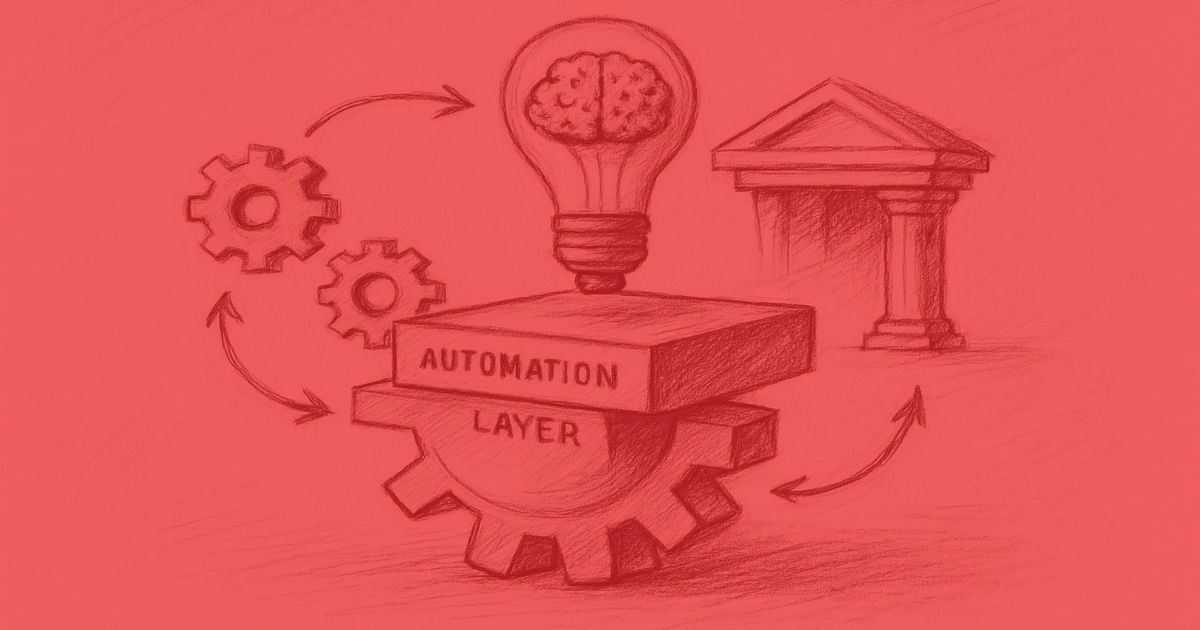
A New Layer in the Modern Company
Automation platforms are becoming a foundational layer of modern organizations. They connect software systems, AI capabilities, and operational processes. Instead of isolated tools, companies are building automated workflows that span the entire business.
For founders and operators, these tools offer something powerful: the ability to prototype and deploy operational systems without writing custom software for every need. In many cases, they represent a new discipline that sits somewhere between management, software development, and AI operations.
That said, not every workflow should be automated with a no-code tool. Complex business logic, security-critical processes, and anything that requires deep integration with proprietary systems may still require custom software development. The key is knowing when each approach is the right fit, and which tool you need for that approach.
There are five major things that feed into successful workflow automation and AI adoption for enterprises:
- AI-ready architecture
- Process transformation change the way we work and put AI at the core
- Relentless focus on jobs to be done and business outcomes
The very most successful organizations use AI strategically, not just tactically. That means using it to add capabilities rather than to take shortcuts to the same old production.
Where to Start With Workflow Automation
If you are evaluating automation for your organization, here are a few practical starting points:
- Identify one or two repetitive workflows that consume significant time each week. Lead routing, meeting follow-ups, and report generation are common first candidates.
- Choose a platform that matches your team’s technical comfort level: Zapier for simplicity. Make for visual logic. n8n for developer control. Enterprise platforms for governance requirements.
- Start small, measure impact, and expand. The most successful automation programs begin with a single high-value workflow, prove the ROI, and then scale from there.
- Consider whether you need an internal champion or external help. For simple workflows, a single operations person can often manage the setup. For more complex AI-integrated workflows, working with a team that understands both the tools and the business context can accelerate results significantly.
For organizations willing to adopt workflow automation intentionally and methodically, the payoff can be substantial. You’ll spend less time on manual processes, slash turnaround times, and have superior access to organizational information.
Best of all, you’ll have more time for your team to focus on the work that actually moves the business forward.
The Rise of Automation Consulting
You don't have to tackle your workflow automation alone. A new category of management consulting and technology consulting services is emerging around these tools. Instead of building custom software from scratch for every operational need, companies are hiring consultants to design and deploy automation systems.
Typical engagement areas include sales operations automation, customer onboarding workflows, AI-enabled customer support, executive reporting automation, and internal operational workflows. These projects often take two to six weeks to implement and can significantly improve operational efficiency.
If you want help planning your workflow automation, or just a sanity check, you’re welcome to schedule a free consultation.
AI